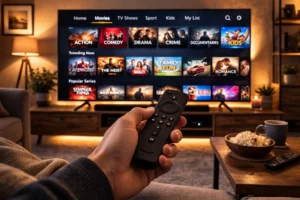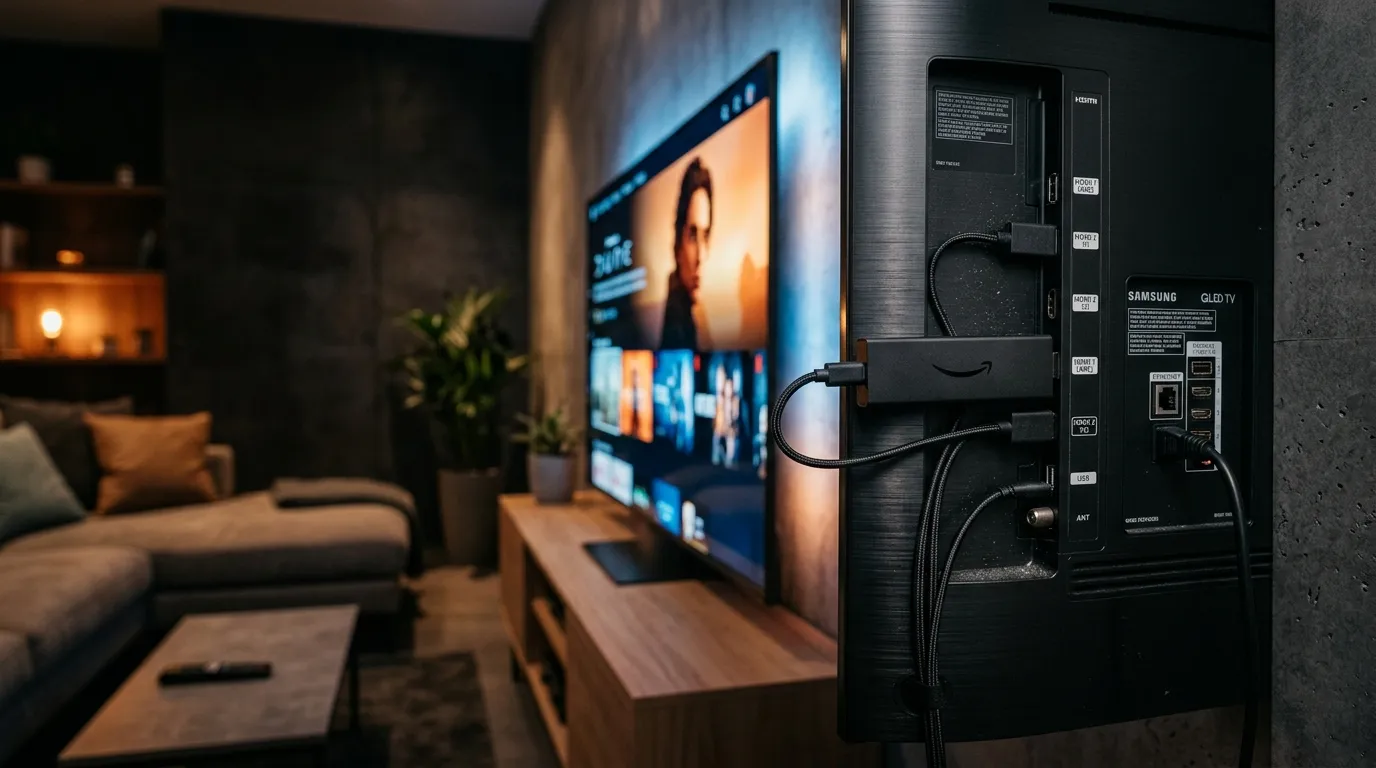
Setting up an IPTV subscription on your Amazon Firestick is the most cost-effective way to access 20,000+ live channels, 4K movies, and live sports in the UK. This self-contained guide explains the exact steps.
Step 1: Install the Downloader App
Because premium IPTV apps like Tivimate or Smarters Pro are not always natively available in the Amazon App Store, you must install the Downloader app first. Go to your Firestick Home screen, click ‘Find’, search for ‘Downloader’, and install it.
Step 2: Enable Apps from Unknown Sources
Navigate to Settings > My Fire TV > Developer Options. Click ‘Install unknown apps’ and turn it ON for Downloader. This allows you to sideload the best IPTV players.
Step 3: Enter the BritVisionTV App URL
Open Downloader and enter the direct APK URL provided in your BritVisionTV welcome email. Click Go, let the app install, and enter your Xtream Codes API login credentials (Username, Password, and Server URL). You will instantly connect to our high-speed, anti-buffering UK servers.